How to Edit Instagram Reels for Better Engagement

Instagram Reels can reach a large audience, but simply posting a video is not enough to generate strong engagement. The way a Reel is edited can influence whether people stop scrolling, continue watching, understand the message, and take action. Good editing does not necessarily mean using complicated effects or dramatic transitions. The goal is to…

How to Remove Watermarks From Your Own Edited Videos

Watermarks can be useful for branding, attribution, and identifying the source of digital content. However, when you are editing your own videos, a watermark can sometimes appear when you least expect it. A free editing app may add a branded ending, a trial version may place a logo over the footage, or an old project…

How to Add Auto Captions to Instagram Reels

Instagram Reels are designed to capture attention quickly, but not everyone watches videos with the sound turned on. This makes captions an important part of creating accessible and engaging short-form content. Adding captions can help viewers understand spoken words, follow tutorials, watch educational videos, and stay connected with your message even when they are in…

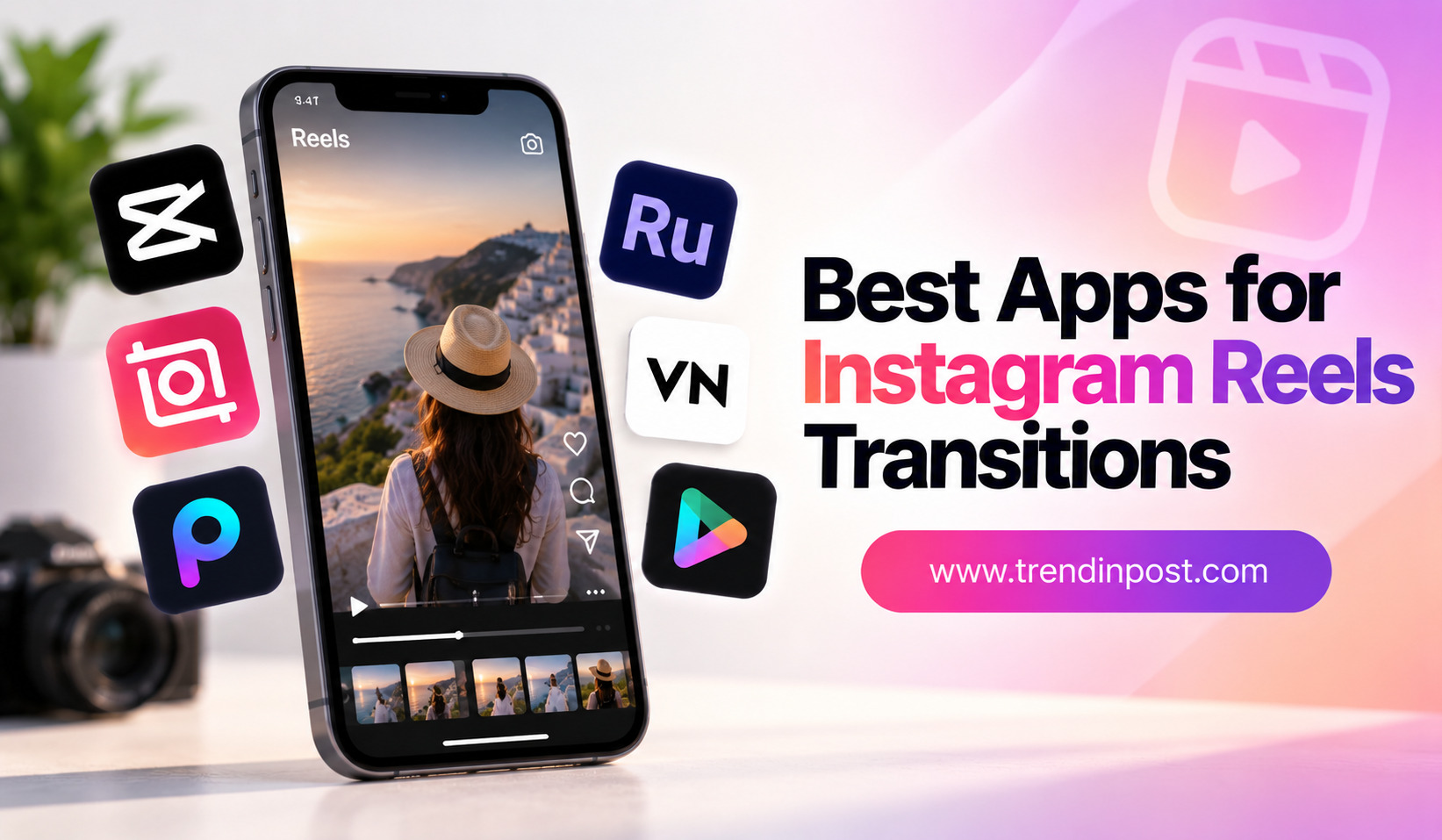
Best Apps for Instagram Reels Transitions

Instagram Reels are all about movement, timing, and visual flow. While strong content is the foundation of a successful Reel, smooth transitions can make the final video feel more polished and engaging. A simple change between two clips can turn an ordinary sequence into something that looks professionally edited. The good news is that you…